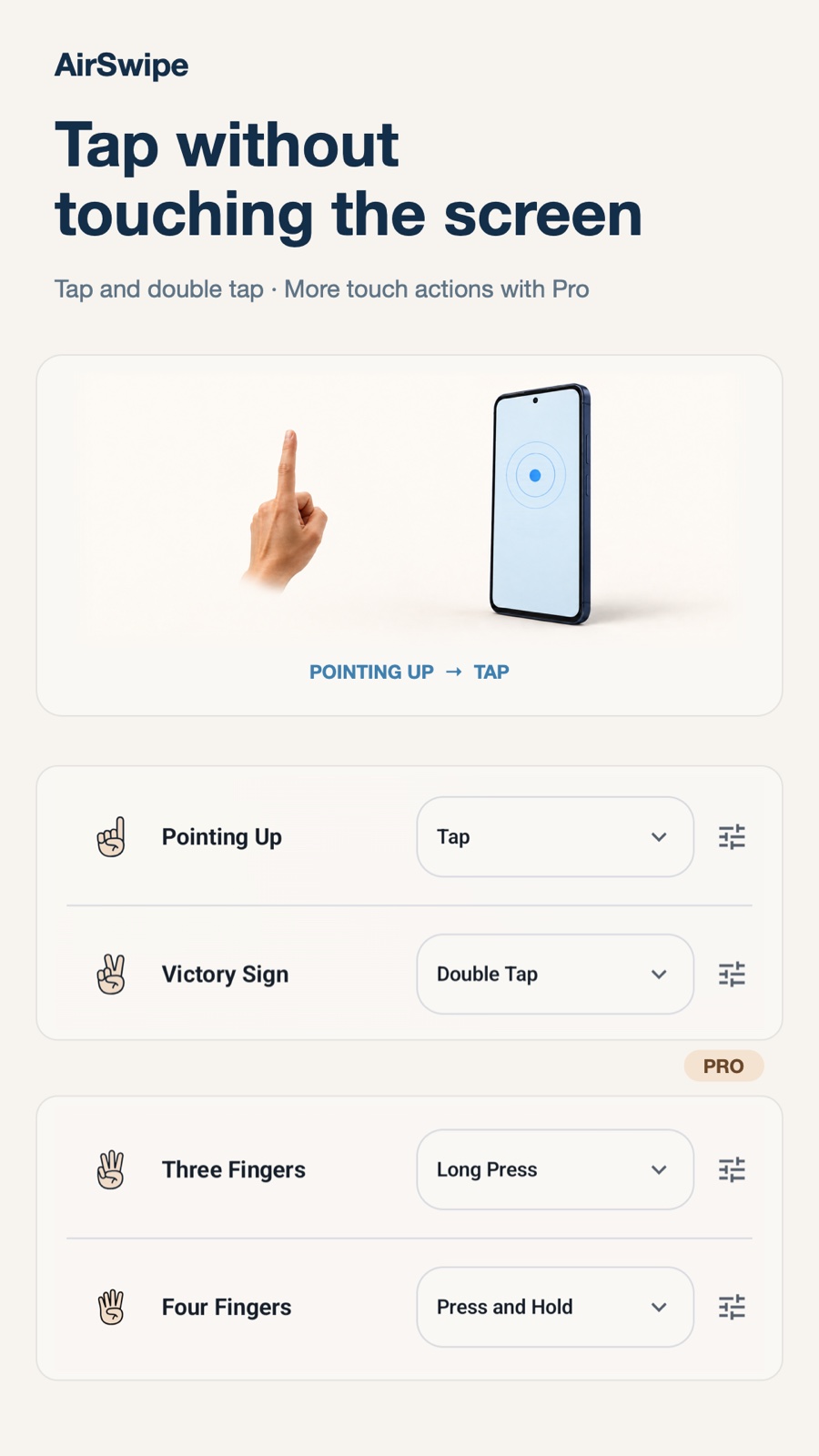
Tap and double tap
Point up to tap, or make a victory sign to double tap.

Hand gesture control
A wave. A tap. No touch needed.
AirSwipe is a hands-free gesture control app for Android. It uses your front camera to recognize hand gestures for taps, scrolling, volume, brightness and media playback while other apps stay open. Pro adds pointer mode and more actions.
View on Google PlayFree features · Optional Pro upgrade / Android 12+
AirSwipe
Point up to tap, or make a victory sign to double tap.
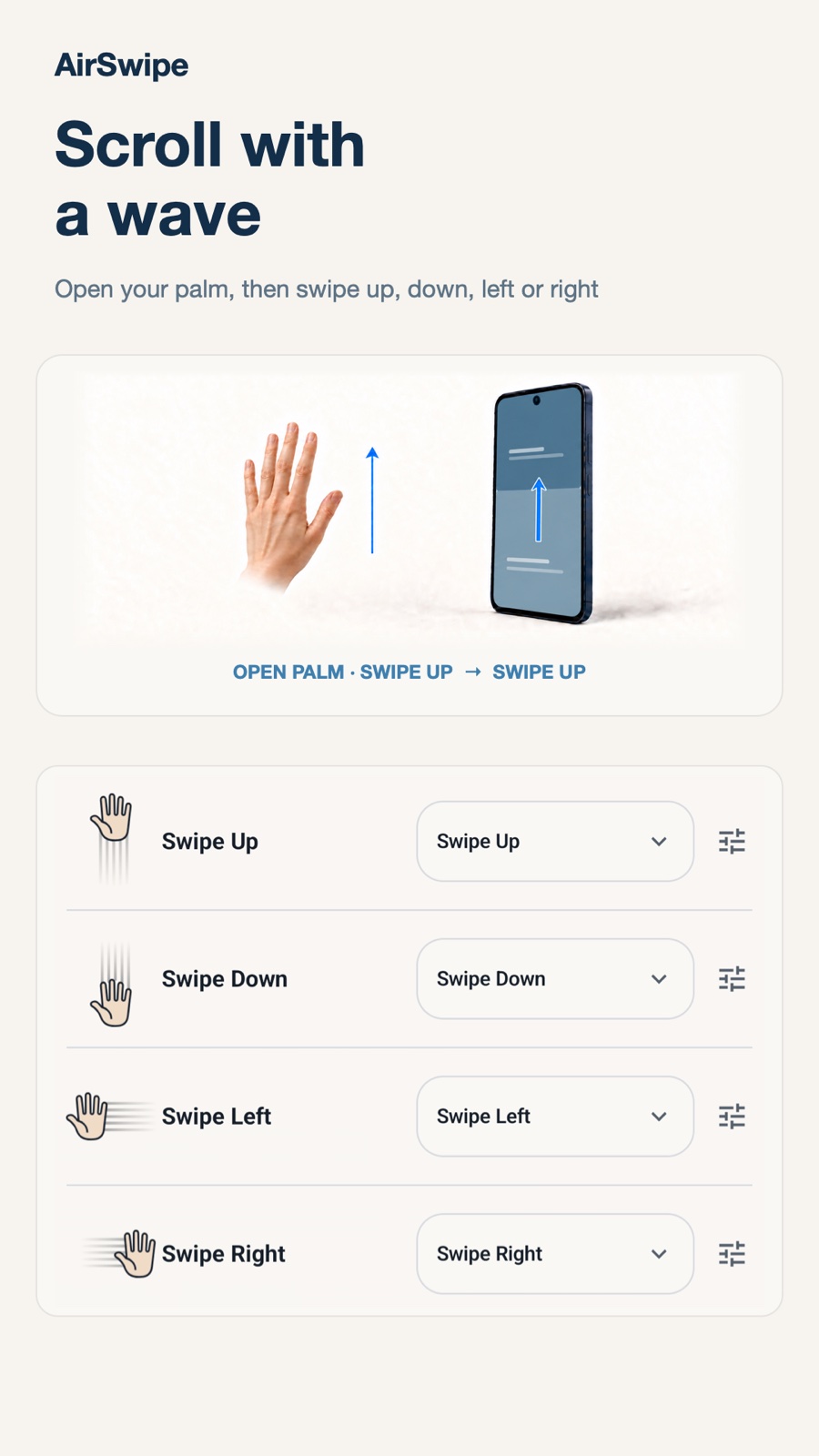
Open your palm and swipe up, down, left, or right to scroll and move through content.
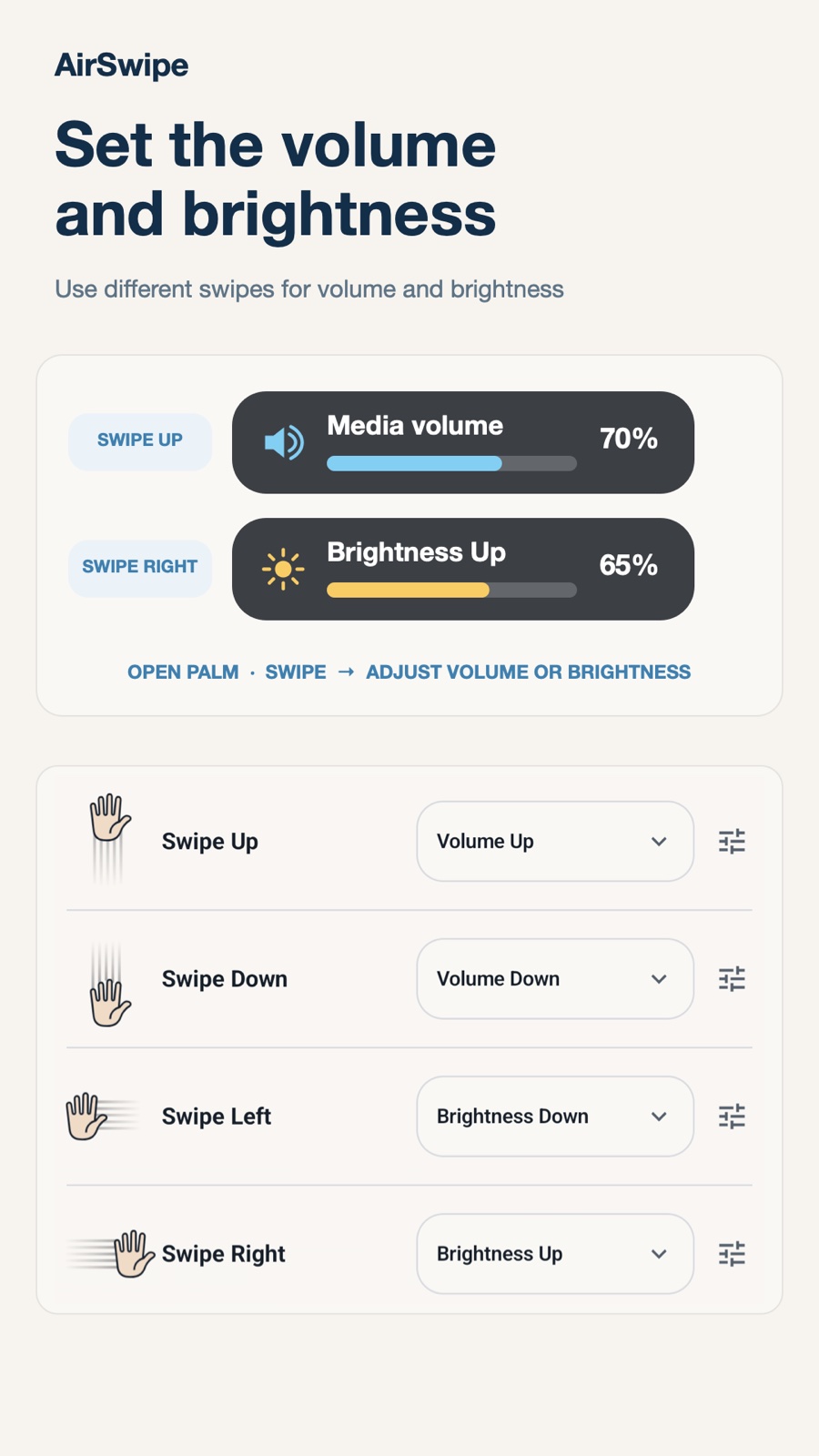
Assign gestures to raise or lower the volume and screen brightness.
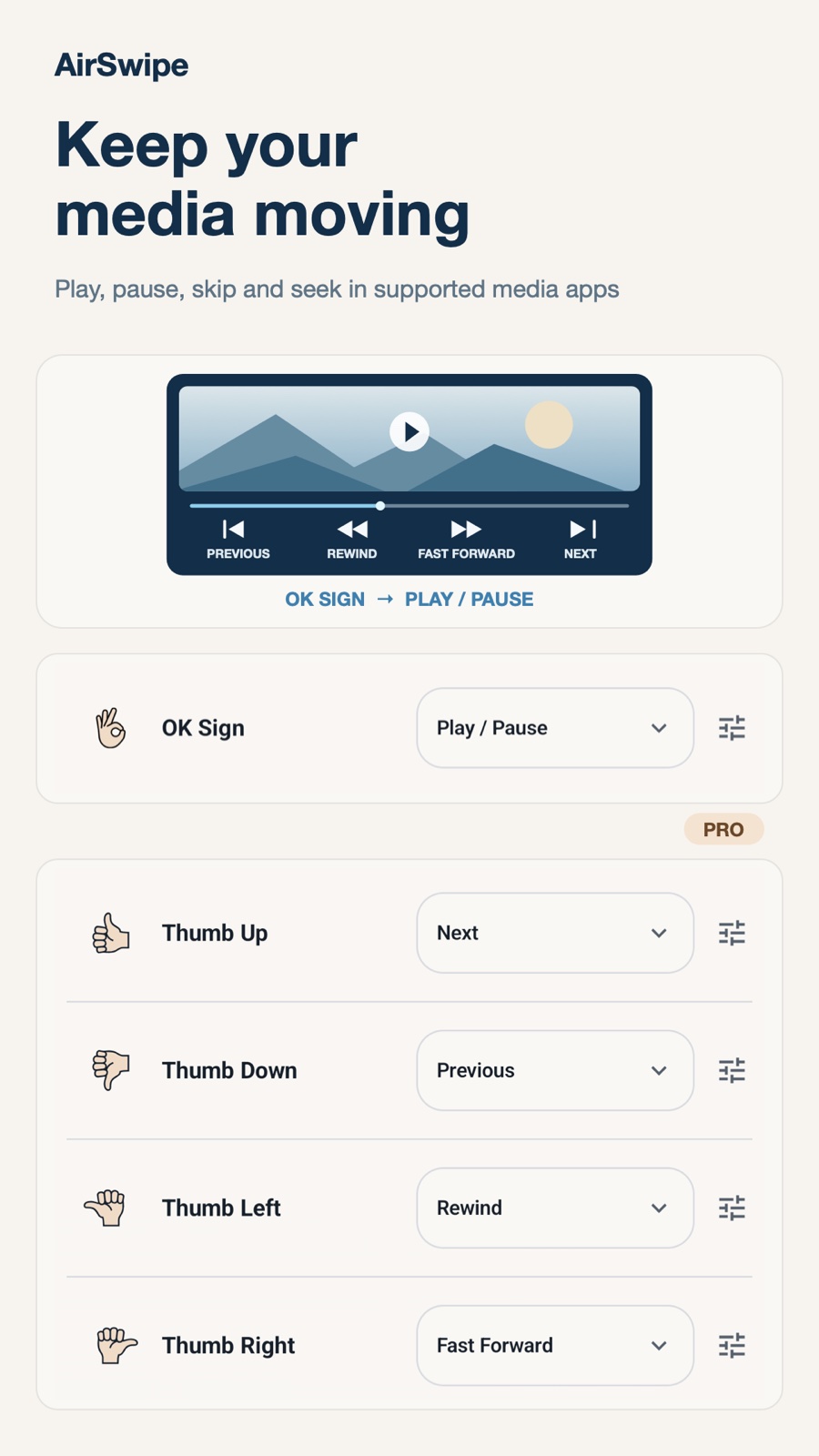
Use the OK sign, or another gesture you choose, to control media playback.
Set different actions for your left and right hands. Lock actions to avoid accidental triggers, then unlock with your chosen gesture.
Keep your phone where the front camera can see your hand. Use an open-palm swipe to scroll a recipe or reading page without touching the screen. Recognition depends on lighting, hand position and the app being controlled.
Assign hand gestures to play or pause media and change volume while another app stays open. Pro adds previous, next, rewind and fast-forward in supported media apps.
Some images show Pro features, described below.
AirSwipe Pro
Optional features, available through in-app purchase.
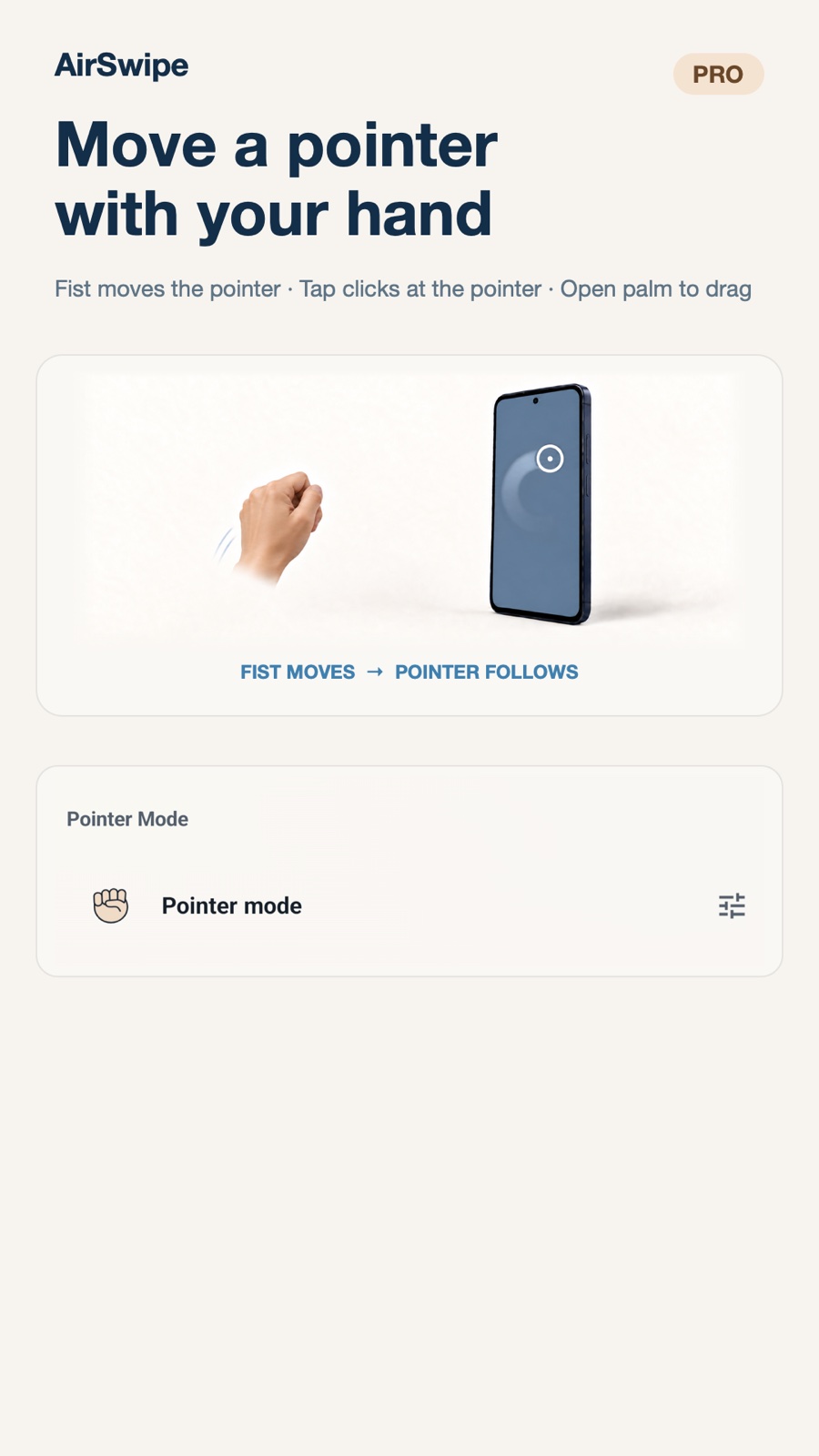
Make a fist to move a pointer. Open your palm to drag, or tap where the pointer is.
Use two-hand, love sign, three-finger, four-finger, and thumb gestures. Add long press, press and hold, Back, and Home.
Adjust trigger difficulty and hold timing, and save tap positions for each app.
Go to the previous or next item, rewind, and fast-forward in supported media apps.
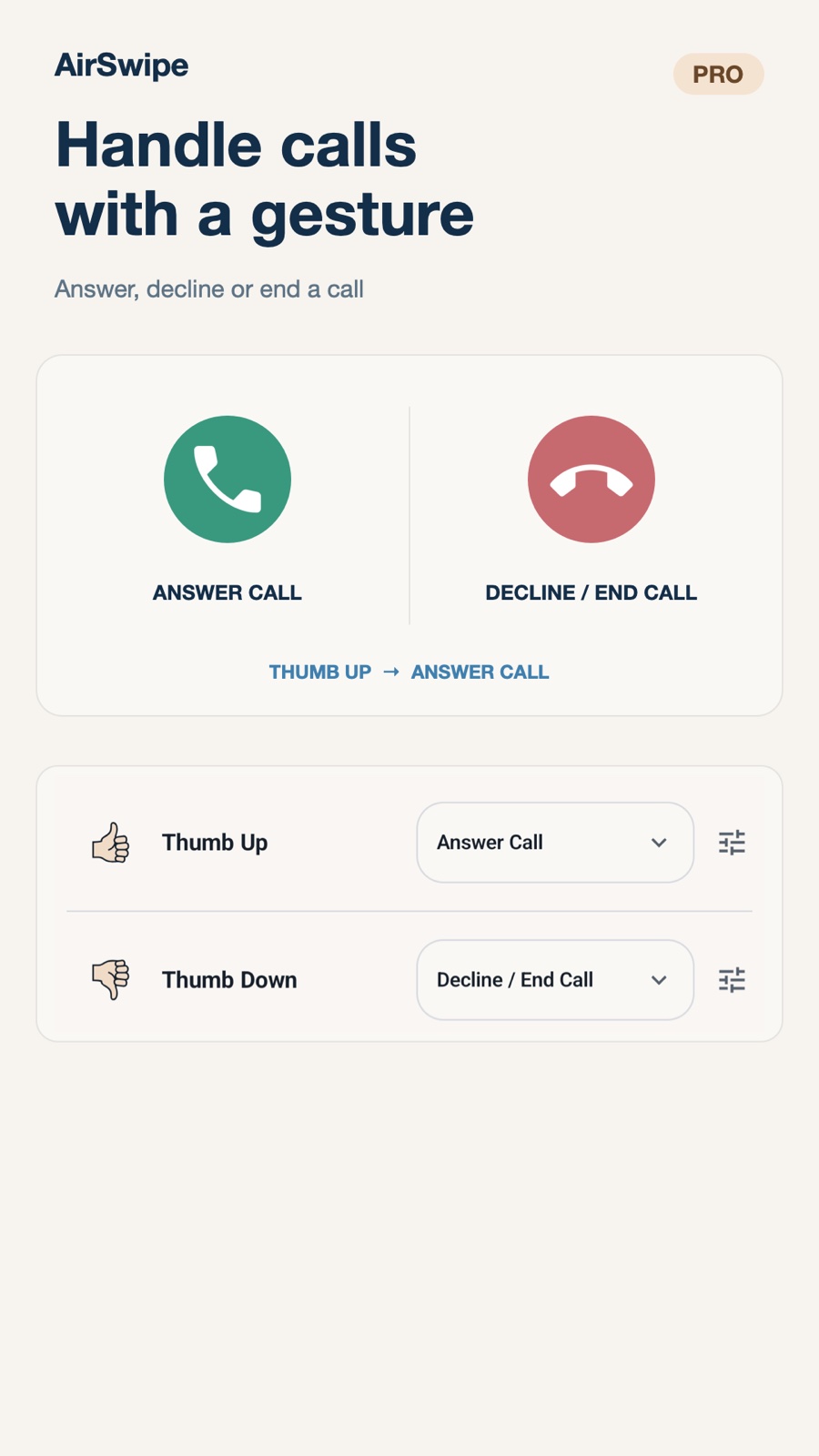
Answer, decline, or end a call only when you perform the assigned gesture.
Let screen orientation follow the phone while AirSwipe runs, including in some apps not built for landscape. Optionally keep the screen on.
Pro offers a monthly subscription or a one-time lifetime purchase. The monthly plan may include a 7-day free trial; eligibility and terms are shown before purchase.
AirSwipe
Recognition depends on lighting, hand position, camera visibility, device performance, and the app being controlled. Check important actions and keep direct phone controls available.
Privacy PolicyAirSwipe does not use Accessibility to read screen content or typed text. Camera frames and gesture recognition are processed locally on your device.
Enhanced media controls use it to identify the app currently playing media. AirSwipe does not read or store private notification content.
No. Answering, declining, or ending a call requires phone permission and your corresponding gesture. AirSwipe does not read call logs, contacts, or phone numbers.


