Magnetic and true north
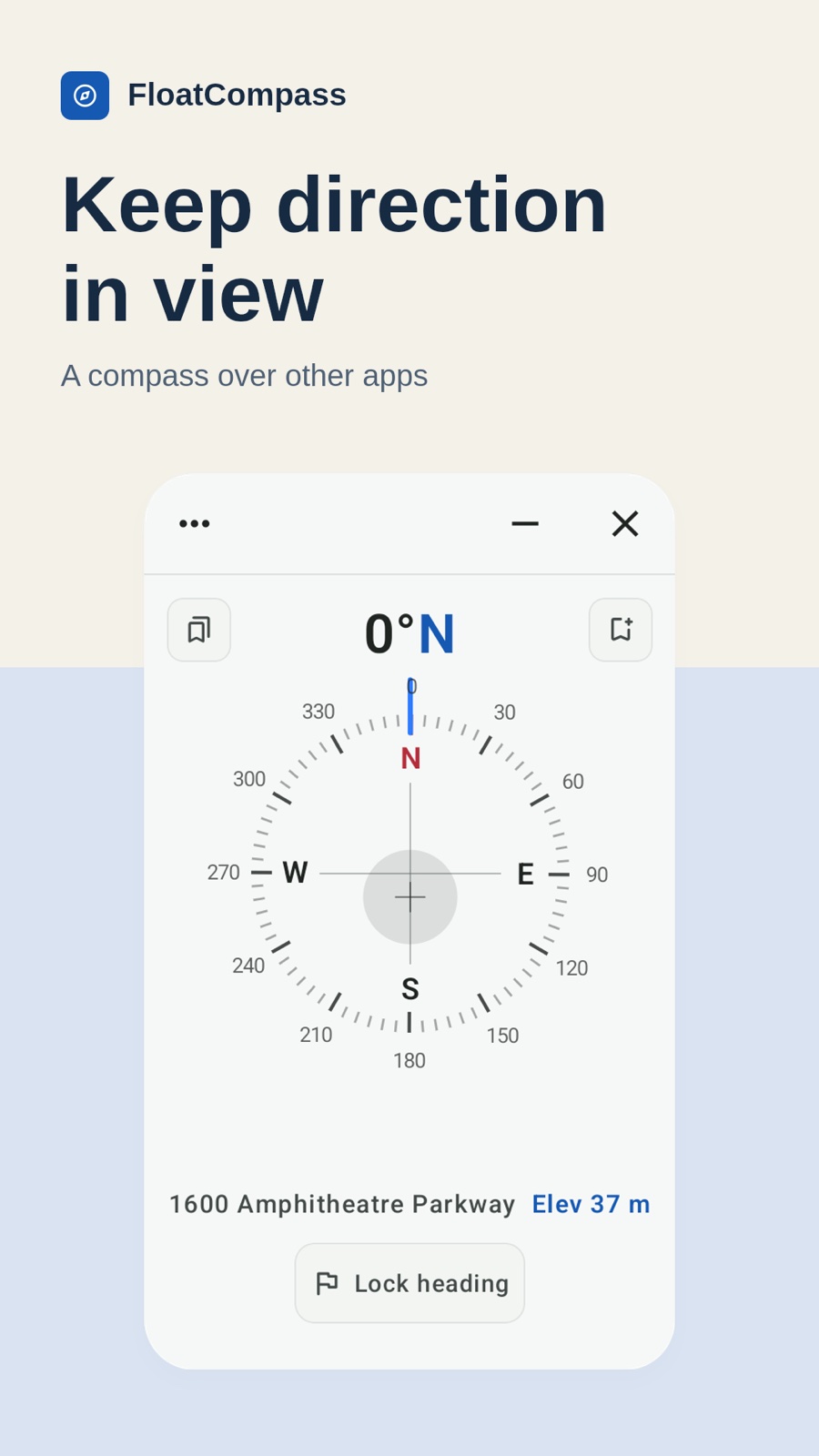
Read headings in degrees and cardinal directions. Magnetic north needs no location access. Precise location enables true north corrected for local magnetic variation.

Floating compass
Keep your heading in view.
FloatCompass is a floating compass for Android that shows your heading over maps and other apps. Read magnetic or true north without leaving your current app. Pro adds heading lock and saved places that you can open in an installed map app.
View on Google PlayFree features · Optional Pro upgrade / Android 12+
FloatCompass
Read headings in degrees and cardinal directions. Magnetic north needs no location access. Precise location enables true north corrected for local magnetic variation.
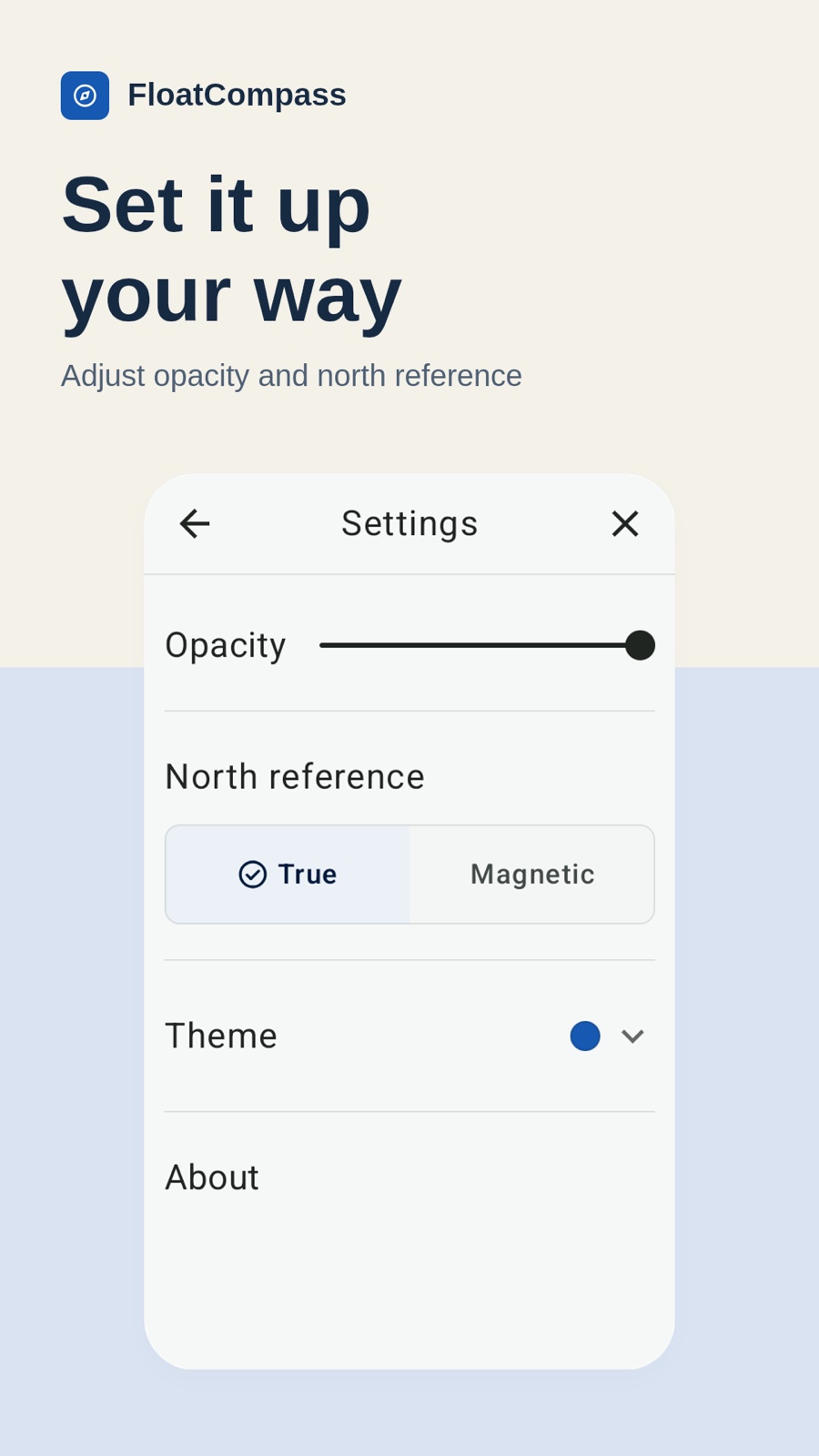
Move and resize the overlay, adjust opacity, or minimize it to the screen edge. Tap to restore the compass.
When data is available, see a street or area name and an estimate of elevation above sea level in meters, based on location and barometer readings.
Use the tilt indicator to hold your phone level, check calibration status, and follow figure-eight calibration guidance when prompted.
Keep your existing map app open while the compass displays your current heading. Adjust the compass position, size and opacity so you can still see the map underneath.
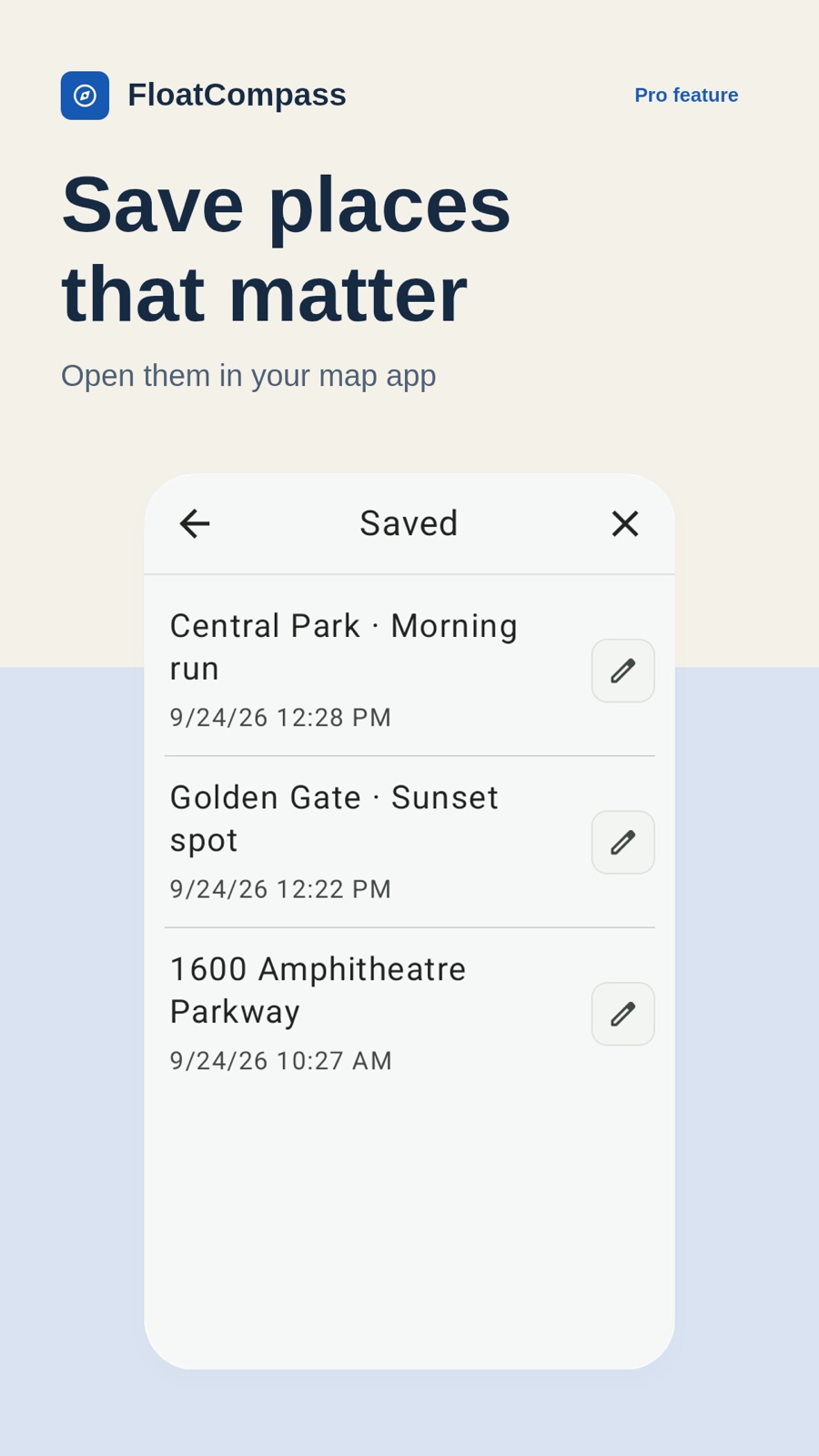
Save your current location with Pro, give it a name, and open it later in a compatible map app. FloatCompass stores the place on your device; the map app handles maps and any navigation.
Some images show Pro features, described below.
FloatCompass Pro
Optional features, available through in-app purchase.
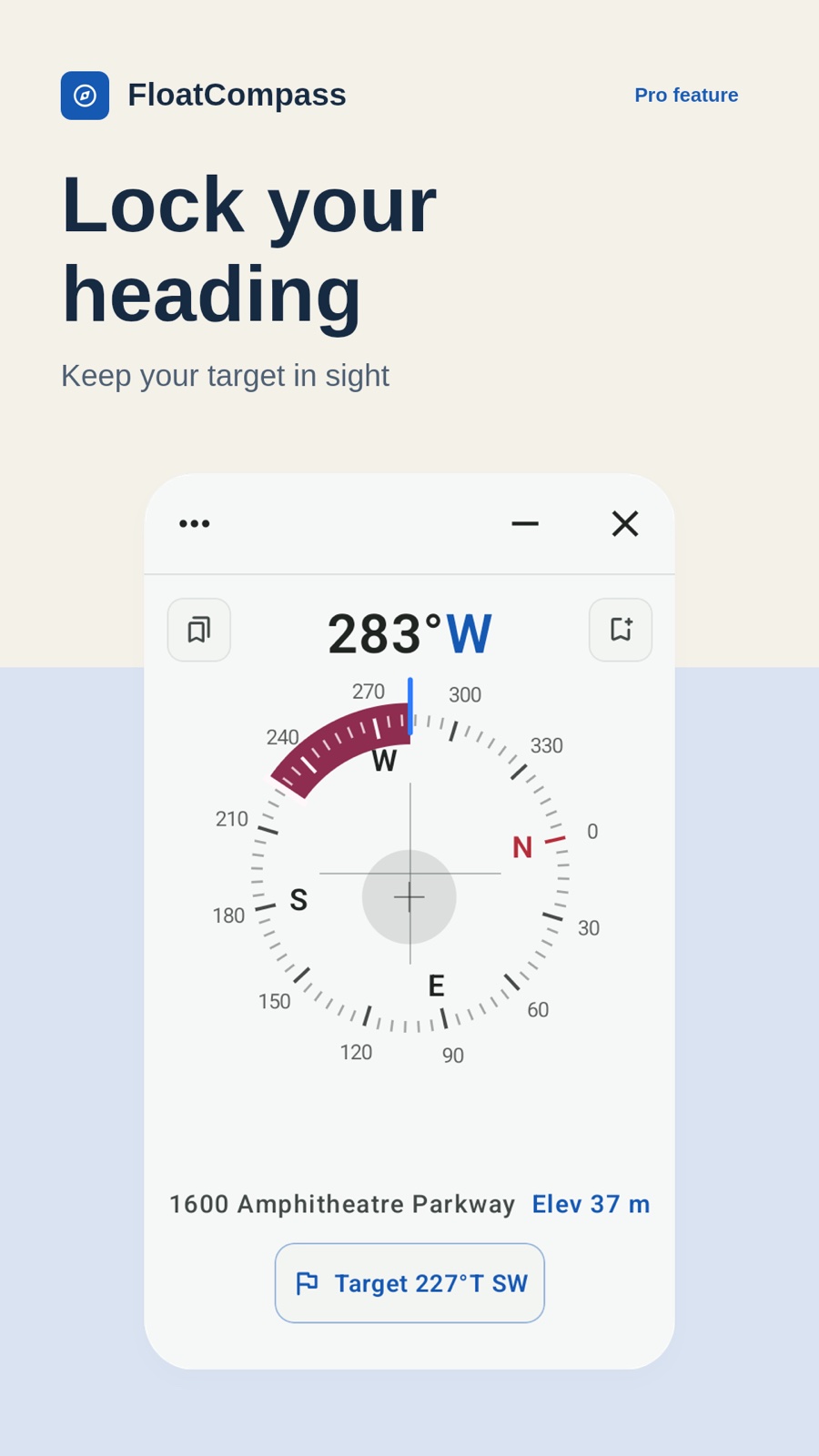
Set your current heading as a target and see your deviation as you turn. Vibration helps indicate alignment while the compass is expanded.
Save a parking spot, campsite, or viewpoint. See when each place was saved and its estimated location accuracy. Rename or delete saved places and open them in an installed map app. Places stay on your device.
Personalize the compass with Pine or Gilded.
Pro features are available through an optional in-app purchase. Check the app for available plans and prices.
FloatCompass
Location names and elevation depend on available services and sensor readings. Magnetic interference and calibration affect heading accuracy. FloatCompass is for everyday reference, not safety-critical navigation.
Privacy PolicyYou can use magnetic north without location access. True north, location names, elevation, and saving places need precise location permission.
FloatCompass does not provide maps, route planning, or navigation. It displays a compass over other apps and can open saved places in a compatible map app installed on your phone.
Saved places are stored locally without cloud sync or app backup. Clearing app storage or uninstalling the app can remove them.


