Everyday calculations
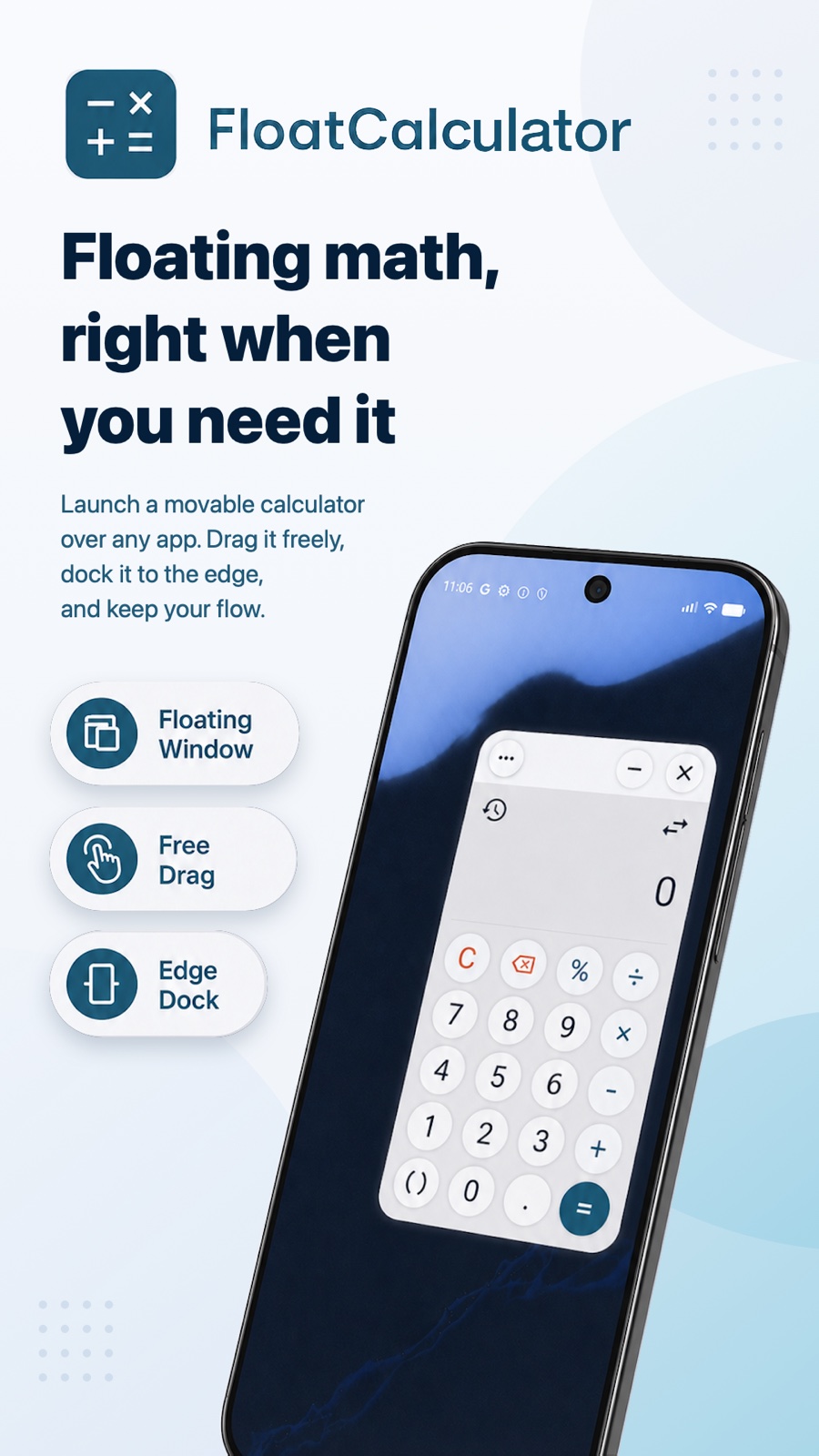
Add, subtract, multiply, and divide with parentheses and percentages. Preview the result as you type and edit the expression when needed.

Floating calculator
Do the math. Keep your place.
FloatCalculator is a floating calculator for Android with currency, unit and time zone converters. Calculate in a movable, resizable window over other apps, then reopen your results from history. Saved exchange rates can be used offline.
View on Google PlayFree features · Optional Pro upgrade / Android 12+
FloatCalculator
Add, subtract, multiply, and divide with parentheses and percentages. Preview the result as you type and edit the expression when needed.
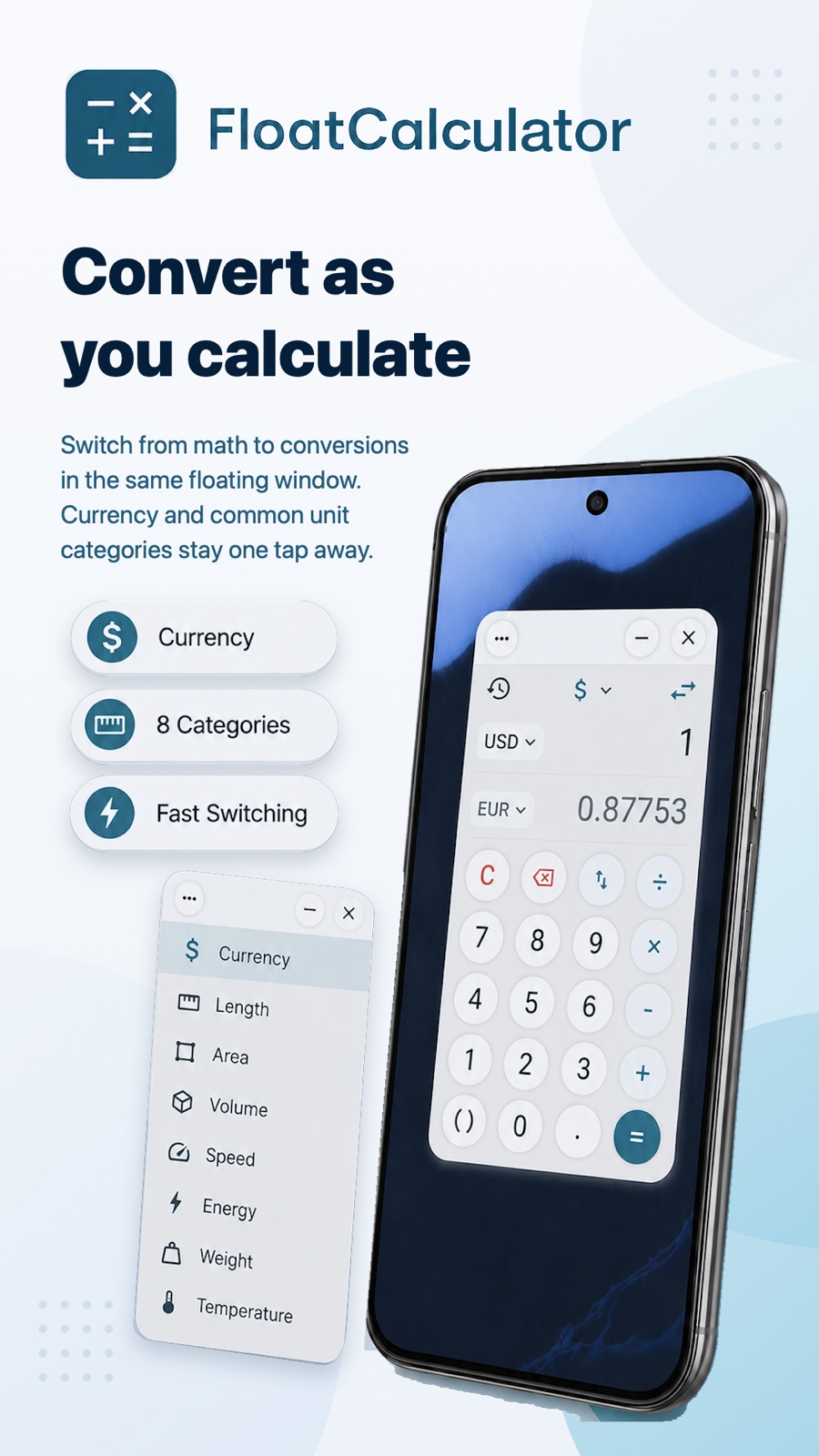
Convert preset currency pairs and swap direction with one tap. Update rates online, check their reference date, or use saved rates offline.
Convert length, area, volume, speed, energy, weight, and temperature with preset unit pairs.
Enter a date and time, or tap Now, to convert between preset time zones.
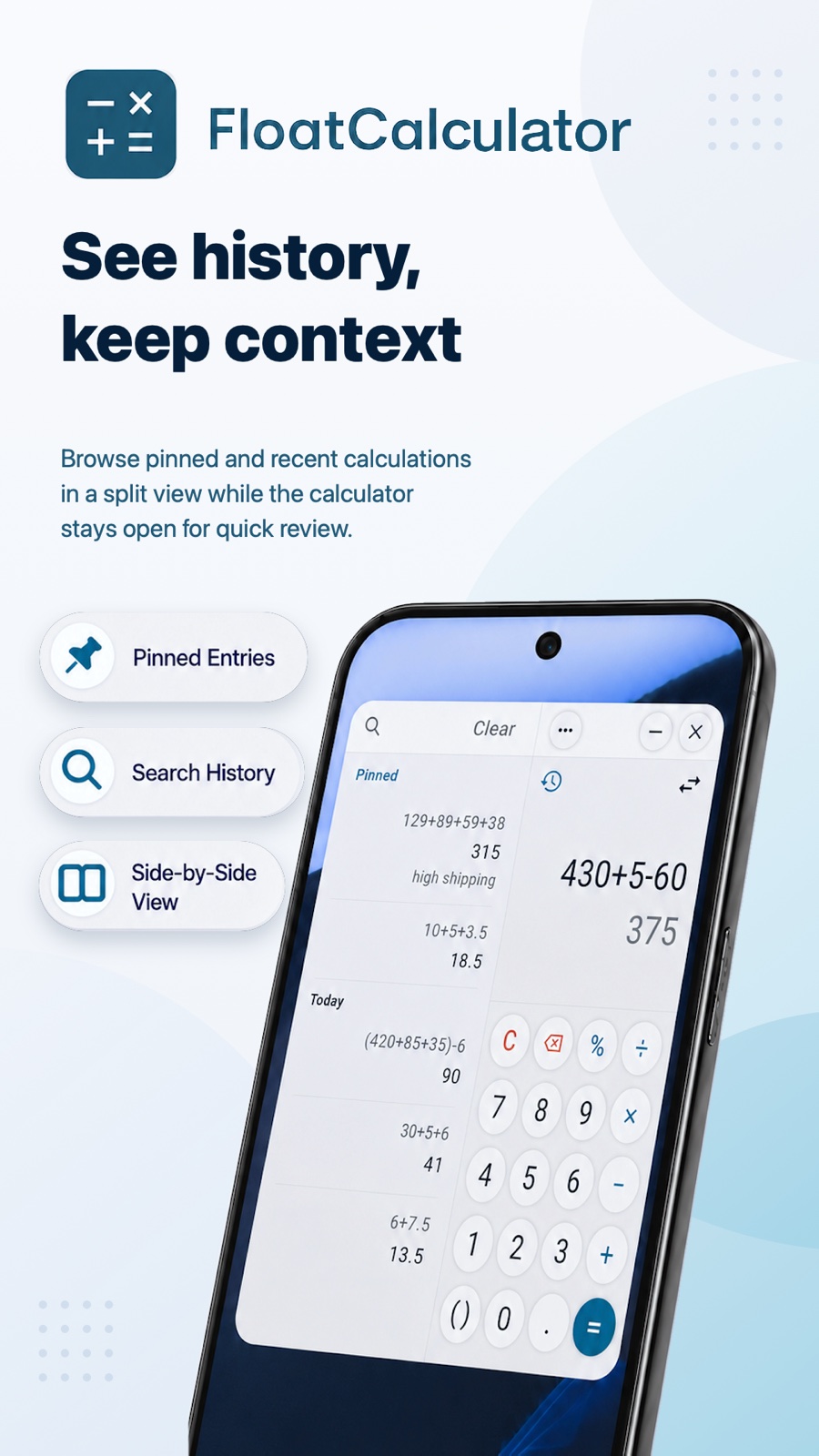
Reopen past calculations and conversions, or delete entries you no longer need.
Move, resize, minimize, and adjust the window’s opacity. Add an optional Quick Settings tile to open the calculator.
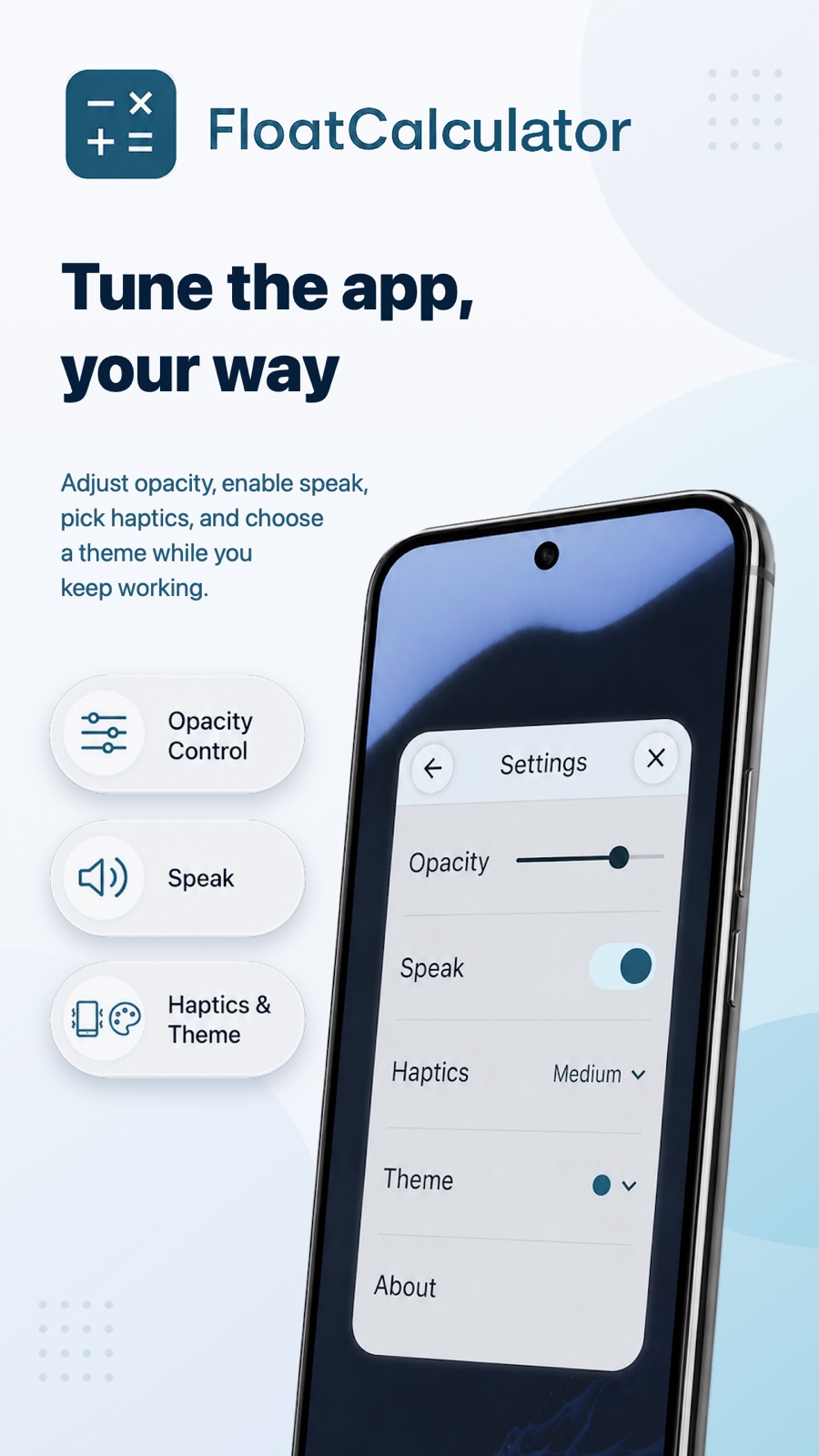
Turn spoken feedback and scale hints on or off, and choose a haptic strength.
Keep a shopping page, document or message open and enter the numbers in the floating calculator. Preview the result as you type, then reopen earlier work from calculation history.
Use the included preset conversion pairs while reading prices, measurements or schedules. Pro lets you choose the currencies, units and time zones in each pair. Offline currency conversions use saved rates, so check their reference date.
Some images show Pro features, described below.
FloatCalculator Pro
Optional features, available through in-app purchase.
Select the currencies, units, and time zones for each pair instead of using the presets.
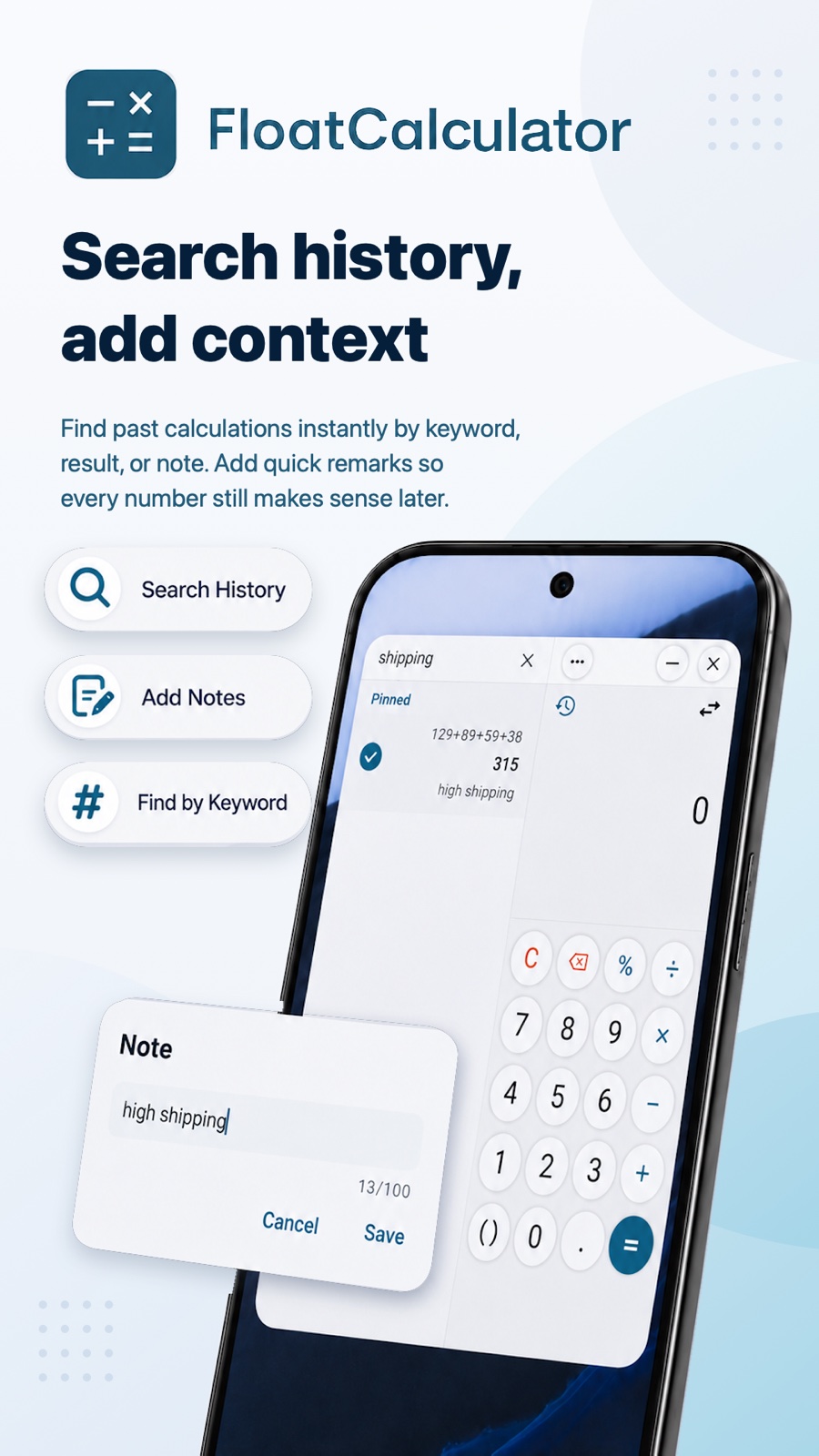
Search and pin history entries, and add notes to keep their context.
Choose Gilded or Cobalt to change the calculator’s appearance.
Pro offers a monthly subscription or a one-time lifetime purchase. The monthly plan may offer a 7-day free trial; eligibility and terms are shown before purchase.
FloatCalculator
Exchange rates are reference values with a displayed reference date. Saved rates can be out of date and may differ from transaction rates. Use your bank or payment provider for an actual transaction quote.
Privacy PolicyYes, using exchange rates already saved on your device. An internet connection is needed to refresh them. Check the reference date before relying on a conversion.
Preset currency, unit, and time zone pairs are included. Pro lets you choose the currencies, units, and time zones for each pair.
Yes. The history includes past calculations and conversions. Searching, pinning, and adding notes are Pro features.


