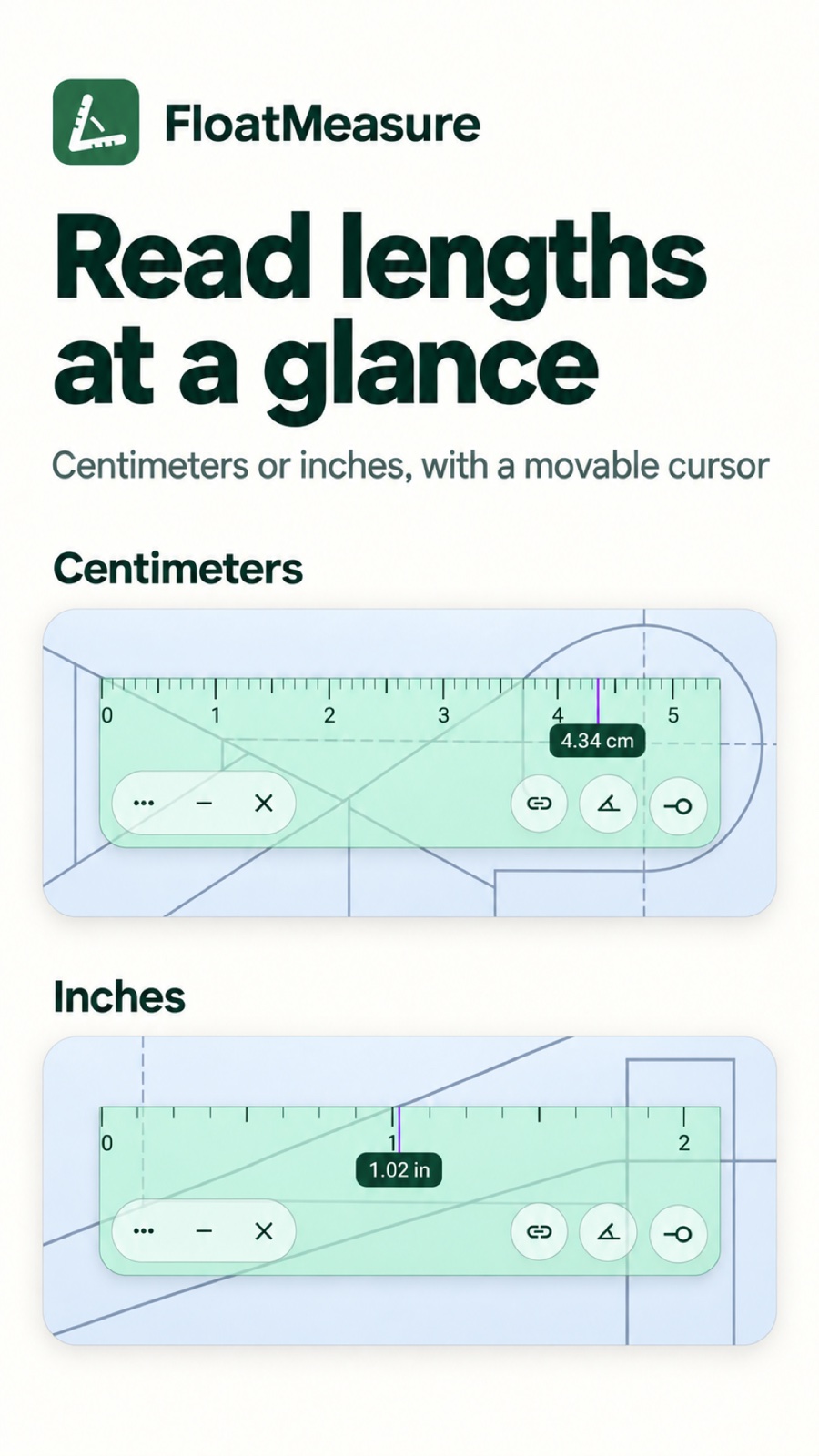
Centimeters and inches
Switch between cm and in markings. Slide the measurement cursor along the ruler to read a length.

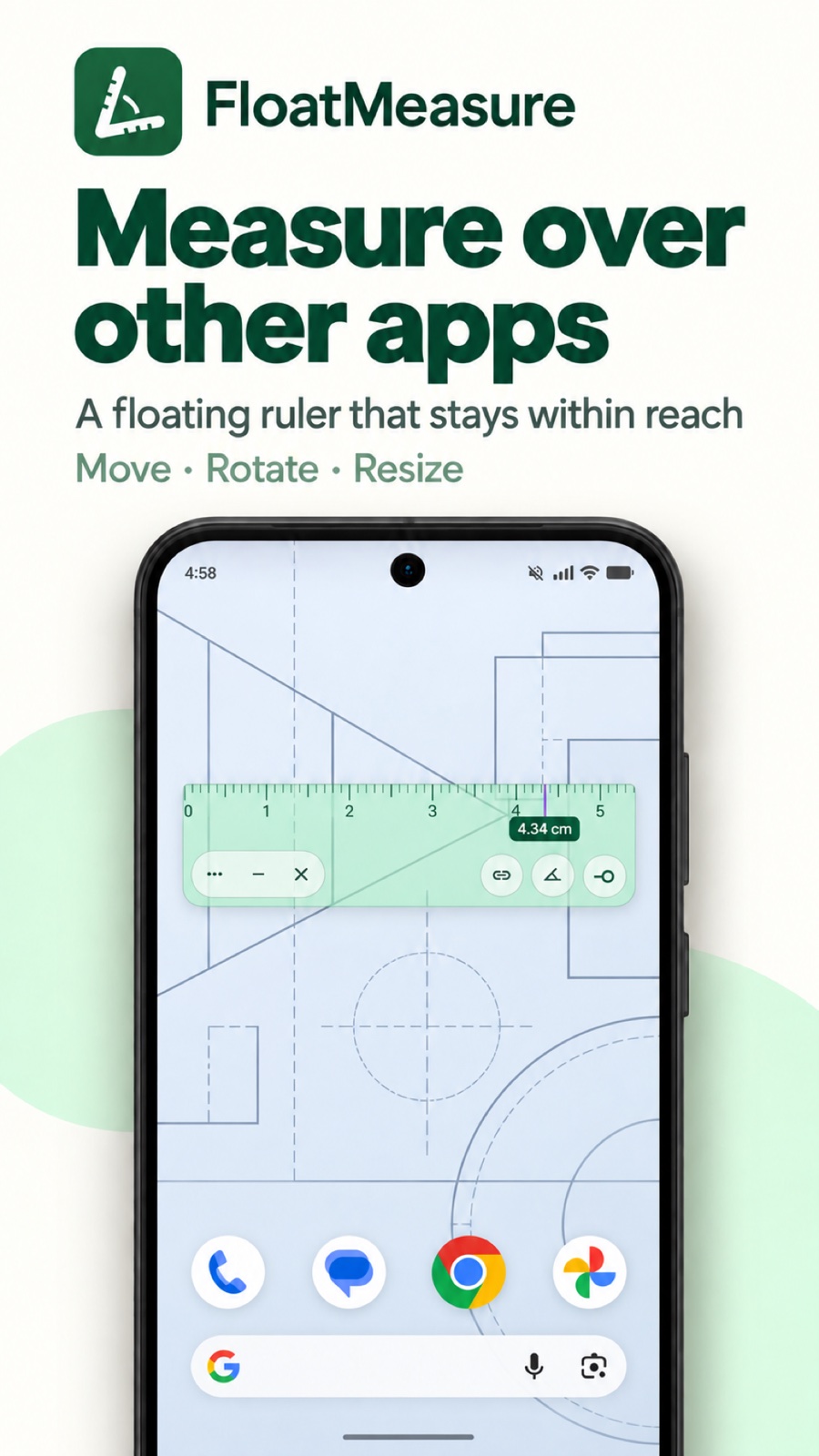
Floating ruler
Measure without leaving your app.
FloatMeasure is a floating ruler for Android that measures on-screen lengths over other apps. Move, rotate and resize its cm or inch ruler without switching apps. Pro adds a floating protractor and dp measurements for Android UI layouts.
Coming soon on Google Play
Free features · Optional Pro upgrade / Android 13+
FloatMeasure
Switch between cm and in markings. Slide the measurement cursor along the ruler to read a length.
Position the ruler over the content you want to measure. Adjust its length and orientation to match the task.
Choose screen-edge and element snapping independently, or turn automatic snapping off for free placement.
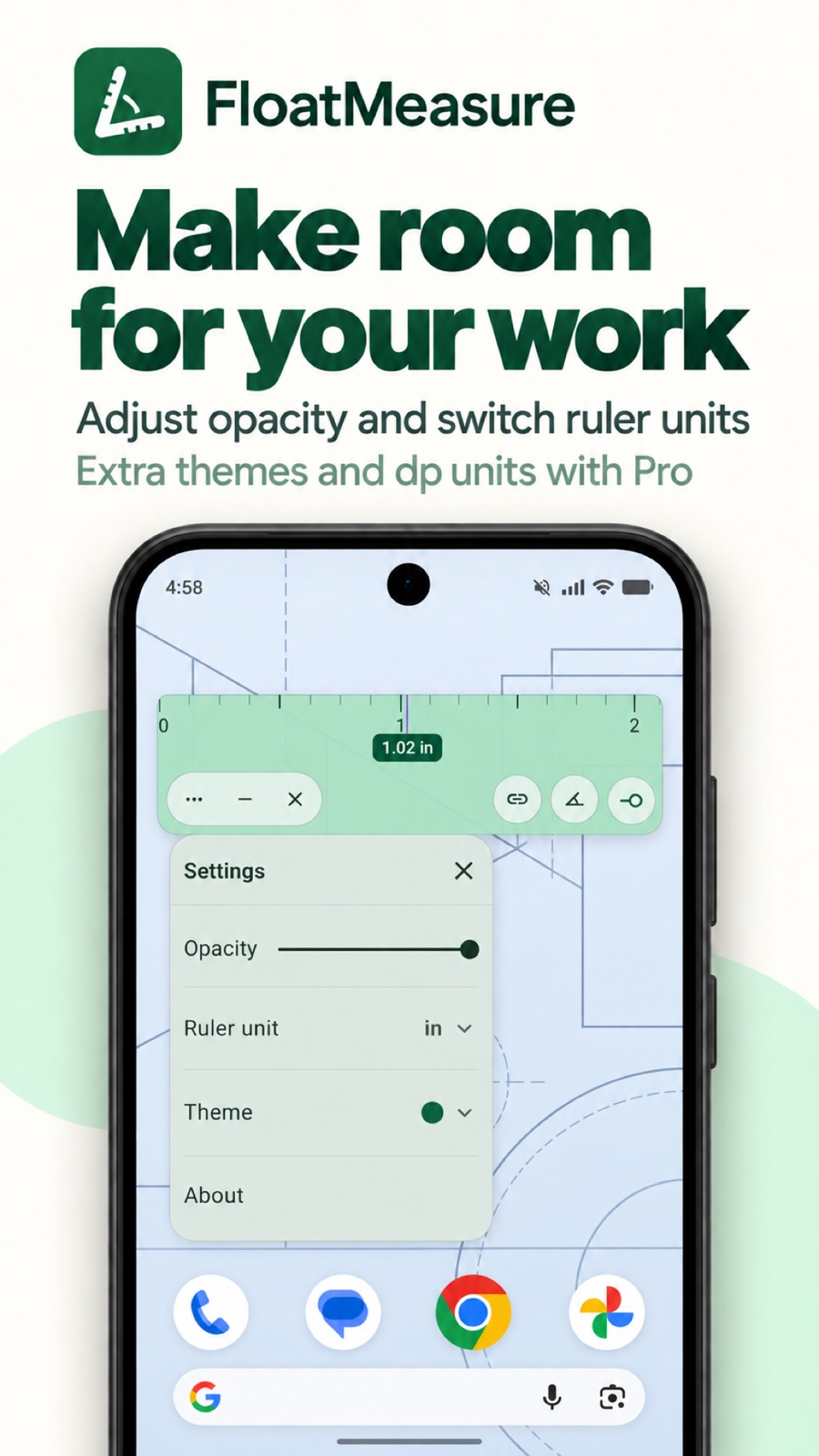
Adjust opacity, minimize the ruler to a floating button, and tap to restore it when you need it again.
Keep a drawing or image open in another app, then place the floating ruler over the part you want to check. Align it manually and read the measurement cursor. Measurements refer to the content displayed on your screen.
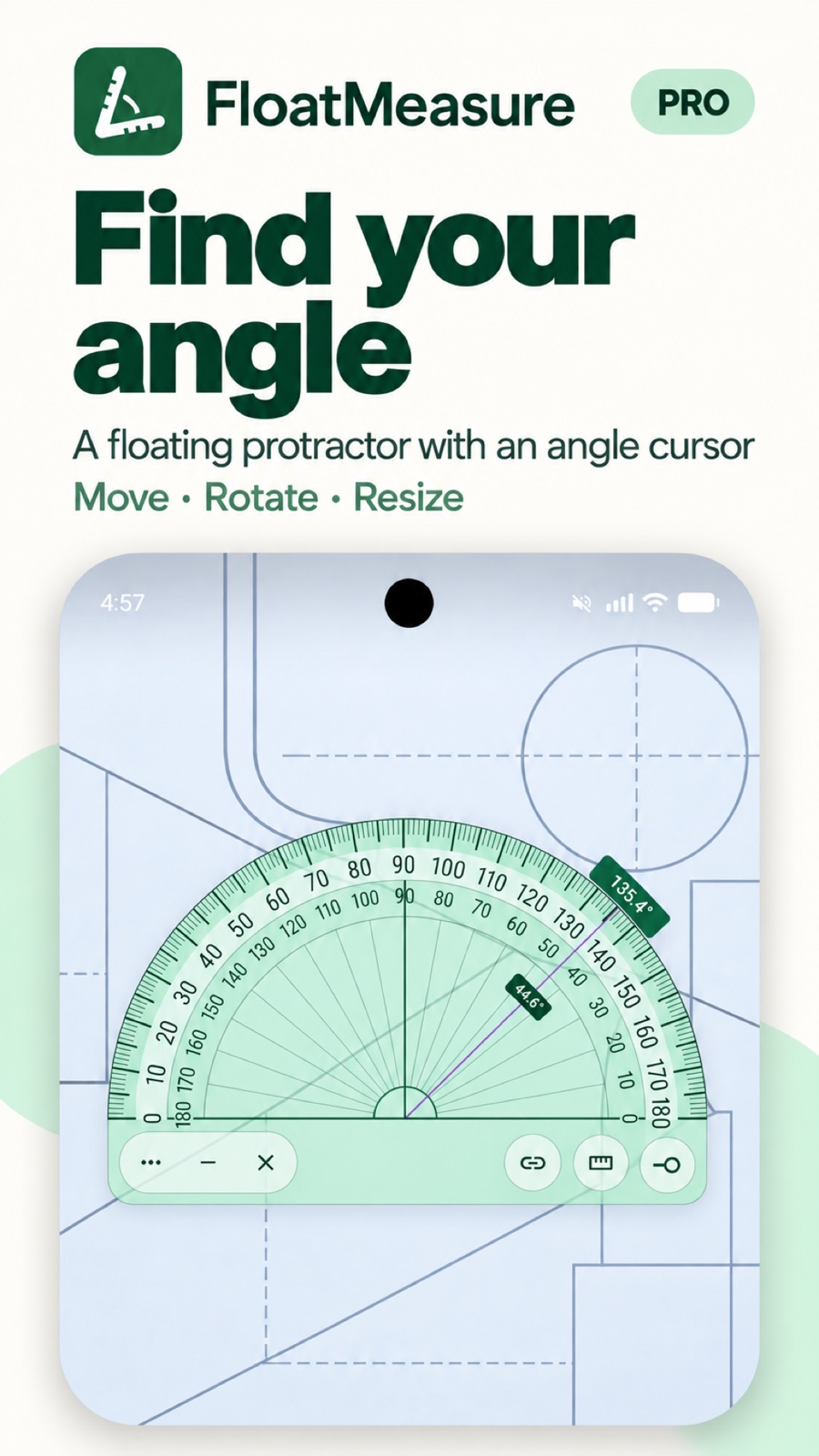
Use the Pro protractor to check an angle in a diagram, or switch the ruler to dp to reference spacing in an Android screen layout.
Some images show Pro features, described below.
FloatMeasure Pro
Optional features, available through in-app purchase.
Measure angles with an angle cursor. Optional snapping aligns the center with detected straight edges or intersections and the baseline or measurement ray with nearby straight edges.
Check distances in density-independent pixels to reference Android UI layouts.
Choose Gilded or Cobalt in addition to the default Pine theme.
Pro is an optional in-app purchase. Available plans and prices are shown before you buy.
FloatMeasure
Centimeter and inch markings depend on the device’s reported screen density. Physical measurements can vary by device. Use a calibrated physical tool when accuracy matters. Protected screens cannot be captured for element snapping, and low-contrast or obscured edges may not be detected.
Privacy PolicyYes. After you allow Display over other apps, basic measurement places the ruler over app content without capturing it. Optional element snapping uses screen images after your consent and accessibility setup; images are processed locally in memory and are not saved or uploaded.
The cm and inch ruler, measurement cursor, snapping, and overlay controls are available without Pro. The protractor, dp unit, and additional themes require Pro.
The ruler uses display information supplied by Android. Device density and display behavior can affect physical accuracy, so it is intended for everyday reference rather than professional measurement.


